
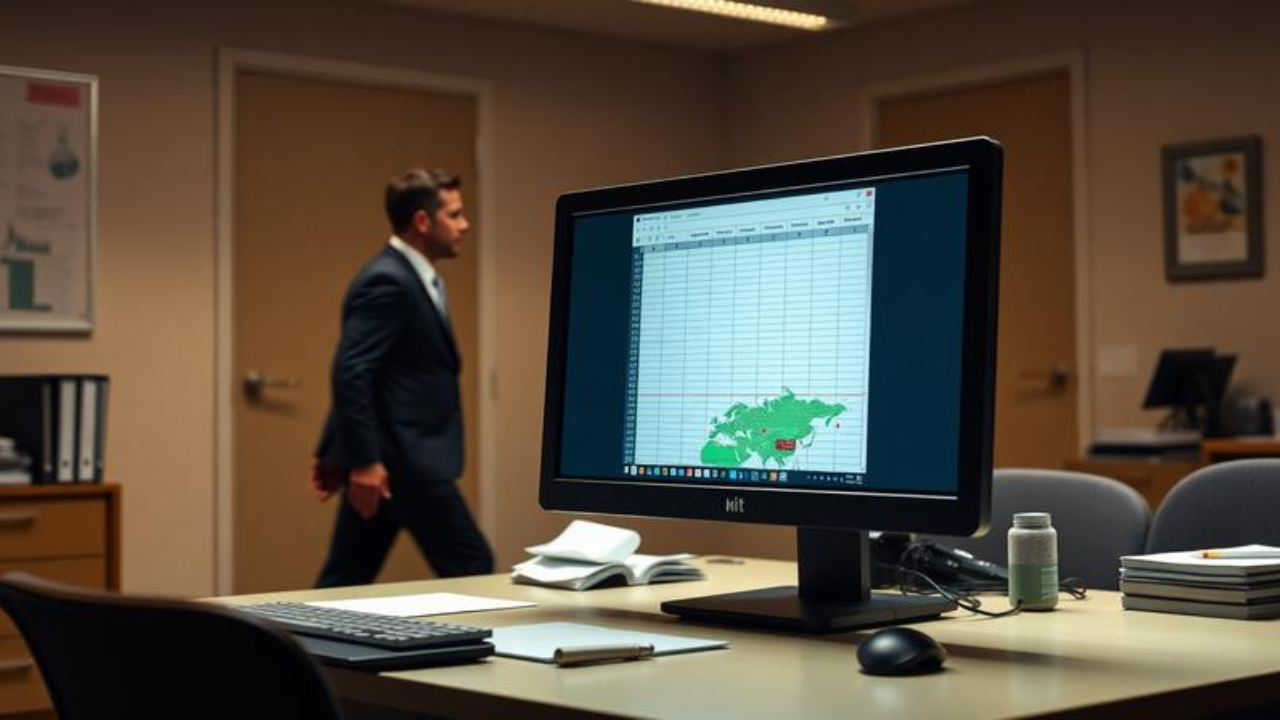
You know the slump. It’s 2:30 PM, your third coffee is wearing off, and your spreadsheet stares back like a blank wall. You need a quick brain reset, but pulling out your phone or loading a colorful game tab would scream “I’m slacking.” What if your screen could look totally productive while you sneak in some fun? In 2026, dozens of clever websites that look like work but are games let you do exactly that. They disguise bite-sized gameplay inside familiar office tools – so your boss sees commitment, not Candy Crush.
In this article, you’ll get a clear rundown of the most convincing fake work game sites, learn exactly how they trick the casual eye, and pick up no-fail tactics to play without a trace. By the end, you’ll have a handful of stealthy favorites that make the afternoon fly, and no one will suspect a thing.
Table of Contents
-
What Are Websites That Look Like Work But Are Games?
-
Why Secret Work Games Matter for Office Workers
-
Types of Websites That Look Like Work But Are Games
-
How to Use Sneaky Work Games Without Getting Caught
-
Common Mistakes When Playing Work-Disguised Games
-
Expert Tips for Playing Office Games Safely
-
Frequently Asked Questions
What Are Websites That Look Like Work But Are Games?
Simply put, these are browser-based mini-games skinned to resemble the software you use every day. A site might mimic Google Sheets, a code editor, a CRM dashboard, or even a dense research paper – but hidden inside is a small, playable game. One moment you’re “updating Q3 projections,” the next you’re navigating a tiny pixel dungeon between the rows.
Think of it like a secret panel in a bookshelf that opens to a hidden room. The outside is all business, but behind it is a quick dose of fun. Many 2026 versions go far beyond retro spreadsheets. You’ll find fake Notion workspaces that double as interactive fiction, Teams chat simulators that hide word puzzles, and terminal windows loaded with text adventures. The best websites that look like work but are games blend so smoothly into your workflow that even a shoulder-surfing manager won’t blink.
Why Secret Work Games Matter for Office Workers
You might wonder, “Why risk it?” When used wisely, these disguised micro-escapes offer genuine mental relief – exactly what you need to power through a long day. Here’s why they matter:
-
Quick cognitive reset: Switching to a low-stakes, playful task for 3–5 minutes stops mental fatigue from piling up.
-
Reduced stress without leaving your desk: You don’t need a walk or a coffee run; a hidden puzzle can lower your stress hormones right where you sit.
-
Sustained appearance of focus: Colleagues see you glued to a spreadsheet, which maintains your professional image while you recharge.
-
Fights the afternoon energy crash: A tiny hit of enjoyable challenge wakes up your brain better than a sugar rush.
-
Zero installation, zero IT tickets: Everything runs in a standard browser, so you aren’t breaking company software rules by downloading anything.
Research backs this up. A 2024 study from the University of Illinois found that brief mental diversions dramatically improve focus on long tasks. (See the apa.org report on microbreaks and productivity.) Taking a 3-minute disguised break can actually make you sharper when you return to real work.
Types of Websites That Look Like Work But Are Games
Not all fake work games are created equal. You need one that mirrors what’s already on your screen. Here are the main categories you’ll find in 2026.
Fake Spreadsheet Games
These mimic Excel or Google Sheets down to the cell grid, formula bar, and tab colors. Beneath the surface, cells turn into a hidden maze, mini poker, or a turn-based RPG. Perfect if you spend your days buried in financial models or data entry. Popular picks include SheetSneak and ExcelDungeon.
Fake Coding & Terminal Games
For developers and IT folks, nothing says “deep work” like a command-line interface or a VS Code-style editor. These sites hide text adventures, coding puzzles, or even roguelike dungeons inside believable IDEs. A quick npm run start on your screen might actually be launching a sci-fi story.
Fake Email & CRM Dashboards
Sales and support teams live in tools like Salesforce, Zendesk, or Outlook. Disguised game sites replicate inbox lists, ticket queues, and customer profiles while hiding a point-and-click mystery or match-three game among the rows. Your boss sees you crushing tickets; you’re crushing candy-colored gems.
Fake Research & Reading Sites
Analysts, academics, and content writers can blend in with websites that look like JSTOR, PubMed, or dense whitepapers. What looks like a heavy text passage actually hides interactive fiction or a choose-your-own-adventure story. One click on a “reference link” might unlock the next chapter instead of a bibliography.
| Disguise Type | Looks Like | Game You’re Actually Playing | Ideal Role |
|---|---|---|---|
| Fake Spreadsheet | Excel / Google Sheets grid | Dungeon crawler, puzzle maze | Finance, data entry |
| Fake Coding IDE | VS Code or terminal window | Text RPG, code-based adventure | Developers, IT |
| Fake Email/CRM Dashboard | Outlook inbox, Salesforce | Hidden object, match-three | Support, sales |
| Fake Research Article | Academic journal, white paper | Interactive novel, mystery | Analysts, writers |
Each type works because it exploits pattern recognition. When managers glance at your screen, their brain registers “spreadsheet” or “code” and instantly labels it as work. The game stays invisible in plain sight.
How to Use Sneaky Work Games Without Getting Caught
Using websites that look like work but are games safely comes down to a few smart habits. Follow these steps to keep your secret breaks truly secret.
-
Pick a skin that matches your daily tools.
If you never touch a code editor, don’t load a fake IDE game. Align the disguise with what your team expects to see on your screen at your role. -
Always keep a real work document open in the next tab.
With one quick Alt+Tab (Windows) or Cmd+Tab (Mac), you switch from play to a legitimate report. Rehearse the motion until it feels automatic. -
Set your browser zoom so the game fills the window naturally.
A tiny game sitting in a corner of a giant monitor looks suspicious. Zoom in to about 110–125% so the fake app fills the screen just like your real tools. -
Use keyboard shortcuts instead of furious clicking.
Mouse movements draw the eye. Learn the game’s key controls so your hands stay still and your screen stays calm. -
Mute everything, every time.
Even a subtle ding or background music leak can blow your cover in a quiet office. Triple-check the tab’s audio icon before you start. -
Play in 5-minute bursts.
The longer you play, the higher the chance someone walks by or asks a question. Set a silent timer, finish the level, and slide back into real work.
If you enjoy clever office escape tools, you’ll also love our
Common Mistakes When Playing Work-Disguised Games
Even careful players slip up. Avoid these traps to keep your screen looking spotless.
-
Playing full-screen without a decoy tab. Without an instant Alt+Tab escape, a sudden “Got a minute?” turns into panic. Always keep a boring report one keystroke away.
-
Forgetting to disable notifications. A Slack popup preview over your fake spreadsheet is fine, but an in-game achievement banner is a dead giveaway. Silence all non-work alerts.
-
Getting emotionally hooked. Grinning at a spreadsheet or muttering “just one more turn” under your breath screams game time. Stay stone-faced and save the fist pumps for home.
-
Choosing a disguise that doesn’t fit your job title. A graphic designer playing a fake Excel RPG looks odd. A data analyst playing a fake design tool looks just as wrong. Match the tool to your role.
-
Ignoring actual deadlines. The point is a quick recharge, not a two-hour raid. If your output slips, people will start watching your screen more closely.
Expert Tips for Playing Office Games Safely
-
Test the site at home first so you know exactly what the boss sees when they pass by.
-
Use a privacy screen filter – it narrows the viewing angle and blocks side-eyed glances.
-
Schedule your micro-breaks during natural lulls, like after submitting a report or right before a standup.
-
Split your screen with a real document on one side and the disguised game on the other, but keep the game portion small.
-
Clear your browser history and cache weekly – IT won’t stumble on domains that look questionable.
Frequently Asked Questions
Are websites that look like work but are games legal to use at work?
Yes, simply visiting a website isn’t illegal. However, it may violate your company’s acceptable use policy. Always check your employee handbook. The safest options are pure browser pages – no downloads, no installs.
Can IT see that I’m on a fake work game site?
Most monitoring tools log domain names, so if a site’s URL looks suspicious, IT might investigate. Stick to disguise sites with generic, work-related URLs and always use HTTPS. Avoid playing on company VPN if possible.
What’s the best spreadsheet game that looks exactly like Excel in 2026?
SheetSneak and ExcelDungeon lead the pack. Both render a perfect Microsoft Excel 365 skin – complete with ribbon menus and scroll bars – while hiding retro RPGs, Sudoku, or tile-matching puzzles inside the cells.
Give Your Brain a Stealthy Refresh
You now know that a quick, hidden play break isn’t about slacking off – it’s a strategic reset. The right websites that look like work but are games blend so cleanly into your screen that you recharge without anyone noticing. Remember the core moves: match the disguise to your role, keep a decoy tab ready, and play in short, silent bursts. Pick one spreadsheet or code-editor game from the list, try it during your next afternoon slump, and feel the fog lift. Your focus will thank you.
What’s your favorite stealthy work game? Drop a comment below – I’d love to hear which disguise works best for you.